
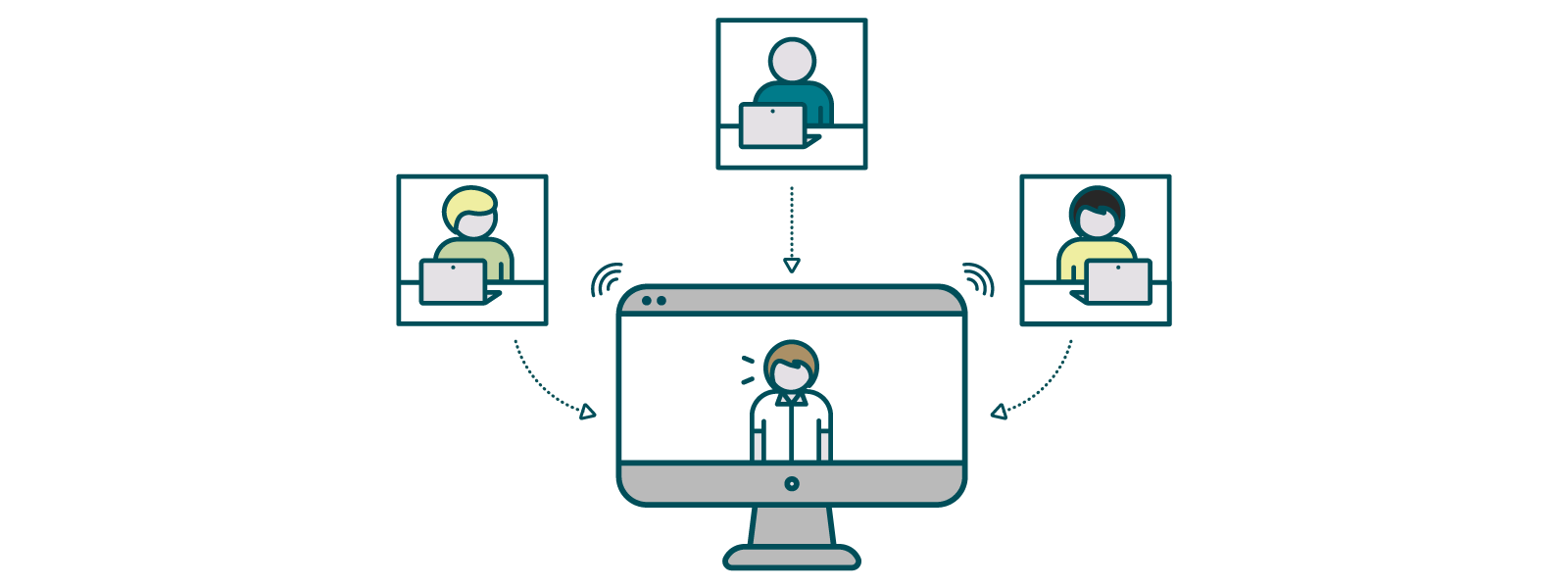
Are you organizing or attending an academic event this year? Tell us all about it!
Whether your conference is being held in person or virtually, you can still increase its visibility and raise awareness amongst your wider research community and Editorial peers by sharing details on our Events feed.
To add an event, simply click on the ‘+’ symbol in the top right of the navigation bar and choose ‘Create an event’. Here you can share important information about your event—you can add a link to an external website, tag colleagues in the Community and include an image or logo that represents your event.
Once you click ‘Publish’, your event will be visible to all users in the Community and will appear on the Live feed and in the Events feed. Your event will also be included in the monthly digest from the Editor Community Site that goes out to all active members of the site (~5.5k Editors). And remember, an event doesn’t have to be a conference—you can highlight seminars, workshops, webinars or any other collaborative academic activities that you think will be of interest to your colleagues in the Editor Community.
Another fantastic way to increase the visibility and impact of your event is to lead a Conference Issue. Not only does a Conference Issue provide an excellent forum to present high-quality research and emerging topics of interest related to your event, but it’s also a great opportunity to bring your conference to the attention of a broad, global and diverse audience of researchers. What’s more, your Conference Issue Editorial Team will receive three complementary 100% APC waivers and all attendees of your conference will receive a 25% APC discount on any papers that are accepted for publication in the Conference Issue.
If you're not running an event but you are keen to expand your horizons or look to find new and exciting conferences in your field, why not browse the Community Site’s Events feed for events your Editorial peers are involved in. You can search for specific keywords—a discipline or research area, for example—and also filter by past or upcoming events. Turning on ‘Show map’ will visually display each event’s geographical location, making it easier to identify events that are happening near you. Don’t forget to show your support for your colleagues by marking your attendance if you’ll be participating in an event too.
So what are you waiting for? Share your upcoming event with our Editor Community to maximize its audience and potential reach, or find the next great conference to attend yourself.